

Key Takeaways
- Most cashback apps and store loyalty programs can be used simultaneously on the same purchase.
- Adding a rewards credit card creates a third earning layer without changing your shopping habits.
- The order you activate each layer matters: some portals require click-through before adding items to your cart.
- Expired points and minimum payout thresholds are the most common reasons stacked rewards go uncollected.
- Keeping a simple log of active offers prevents missed earnings and duplicate account confusion.
What you will need
How reward stacking actually works
Reward stacking means activating more than one earning mechanism on a single purchase. Because cashback apps, store loyalty programs, and credit card rewards operate independently of each other, a retailer's system records each one separately. The store's point system tracks your loyalty number, the cashback app tracks your transaction through its own affiliate link or receipt scan, and your credit card issuer tracks the charge category. None of these programs generally communicates with the others to block simultaneous earning.
If you are new to how these programs differ from each other, the breakdown of cashback apps, credit cards, and loyalty programs covers the mechanics behind each type before you try to combine them.
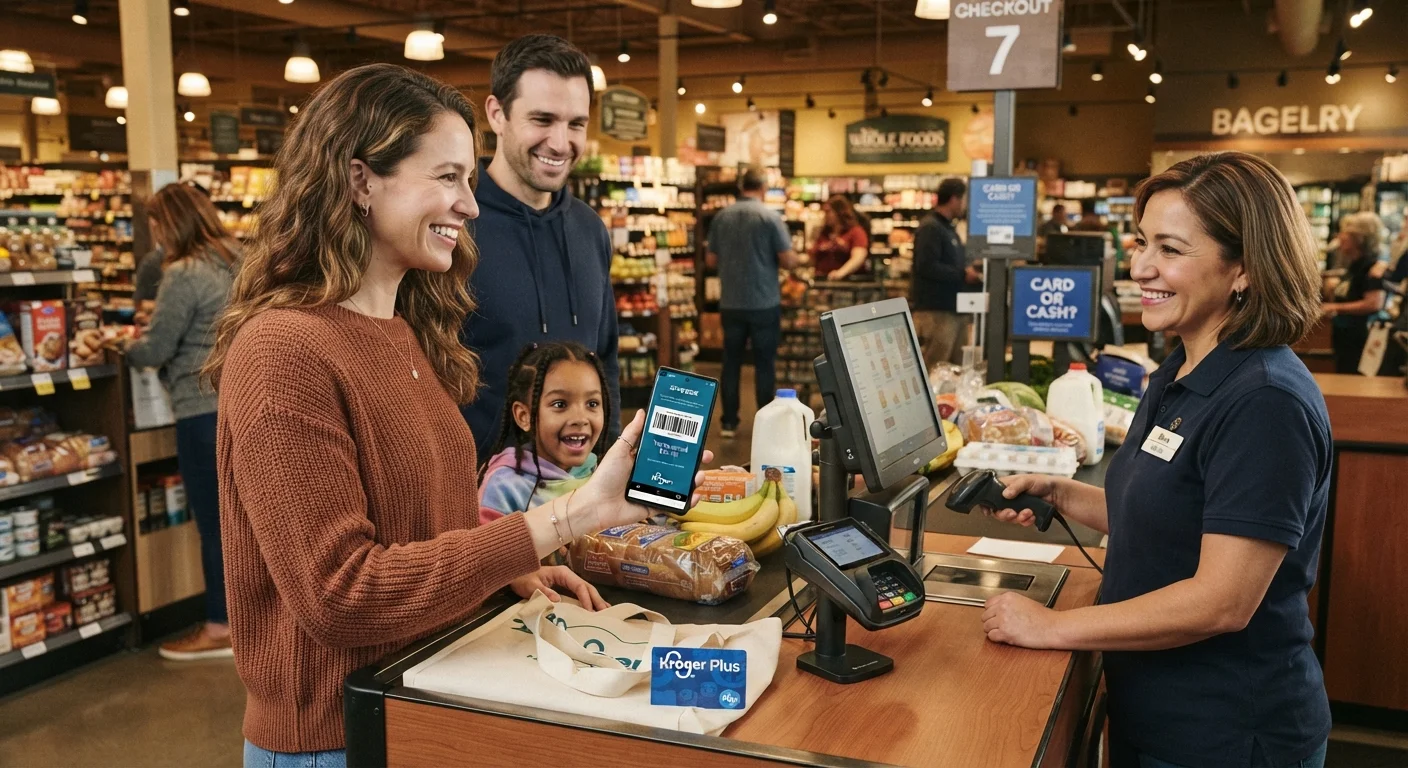
A practical example: a family buying diapers at a large grocery chain might earn fuel points through the store's loyalty card, get 1.5% back through a cashback app after uploading a receipt, and collect a 3% grocery category reward on their credit card. All three post to separate accounts from one transaction.
Online stacking adds a portal layer
Shopping portals attached to airline miles or hotel loyalty programs can sit on top of your cashback app and credit card rewards. The portal earns miles or points on the total purchase while the other layers earn simultaneously. Check the portal's terms for any retailer exclusions before assuming all three layers will post.
Online purchases open a fourth layer: shopping portals attached to airline miles or hotel programs. See how these compare to in-store loyalty cards in our portal cashback vs. in-store loyalty cards guide.
What you need before you start
Stacking rewards requires a small amount of setup, but nothing that takes more than a few minutes per account. Collect the following before working through the steps below.
What you will need
If your family is starting from zero, the plain-language introduction to rewards programs explains the core vocabulary and how to pick your first program without overcomplicating things.
Step-by-step: setting up your first stacked purchase
Follow these steps in order. The sequence matters most for online shopping, where portal click-throughs must happen before you add items to your cart.
Check your loyalty account for active offers
Log into your store loyalty account and look for any loaded digital coupons or bonus point promotions. Clip or activate every offer that matches what you plan to buy. Some retailers require you to activate offers before the transaction posts, not after.
Activate your cashback app offer
Open your cashback app and search for the retailer or product. Activate the relevant offer if the app requires it. For receipt-scan apps, no pre-activation is needed, but confirm the item and retailer are eligible before you shop.
Click through the shopping portal (online purchases only)
If you are buying online and your cashback app or credit card portal uses an affiliate tracking link, click through that link now. This must happen before you add any items to your cart. Open a fresh browser tab if needed to ensure the session cookie is set correctly.
Complete your purchase and enter your loyalty number
At checkout, whether in-store or online, enter your loyalty card number or scan your member barcode. Confirm on the receipt or checkout screen that your points or discount has been applied. For in-store purchases, do this before the cashier finalizes the transaction.
Submit your receipt or verify cashback tracking
For receipt-scan apps, photograph and upload the receipt within the app's submission window, which is typically 24 to 72 hours. For portal-based apps, log in and check the pending transactions section to confirm the purchase tracked. If it does not appear within a few days, use the app's missing cashback claim process.
Log your earnings and set a redemption reminder
Record the purchase in your tracking note or spreadsheet: the store, the amount spent, the cashback app used, and the expected posting date. Note when your loyalty points or cashback balance will hit a redemption threshold, and set a calendar reminder before any expiration date.
For spending categories where stacking tends to deliver the most value, groceries and gas are consistently near the top. Our article on everyday spending categories where cashback adds up fastest gives a category-by-category breakdown.
Common mistakes and how to avoid them
Stacking rewards is straightforward once set up, but a few patterns cause most families to lose earnings they expected to collect.
- Forgetting to click through a portal before shopping online is the single most common miss. If you go directly to a retailer's website instead of through the portal link, the cashback does not track.
- Activating a loyalty offer after checkout means the offer does not apply to that transaction, even if it was technically available at the time.
- Letting points expire before redemption is a widespread problem. Minimum payout thresholds and inactivity rules are the usual cause. Our guide on why rewards points expire before you use them walks through the account habits that prevent this.
- Using a cashback app that restricts stacking with coupons. Read each app's terms, as some exclude transactions where a promo code was applied. Our article on deal stacking and store rules covers which combinations retailers typically permit.
This article provides general information about consumer rewards programs and is not financial advice. Program terms, earning rates, and stacking eligibility change frequently. Verify current rules directly with each program before making purchasing decisions based on expected rewards.